
Analog Diffusion
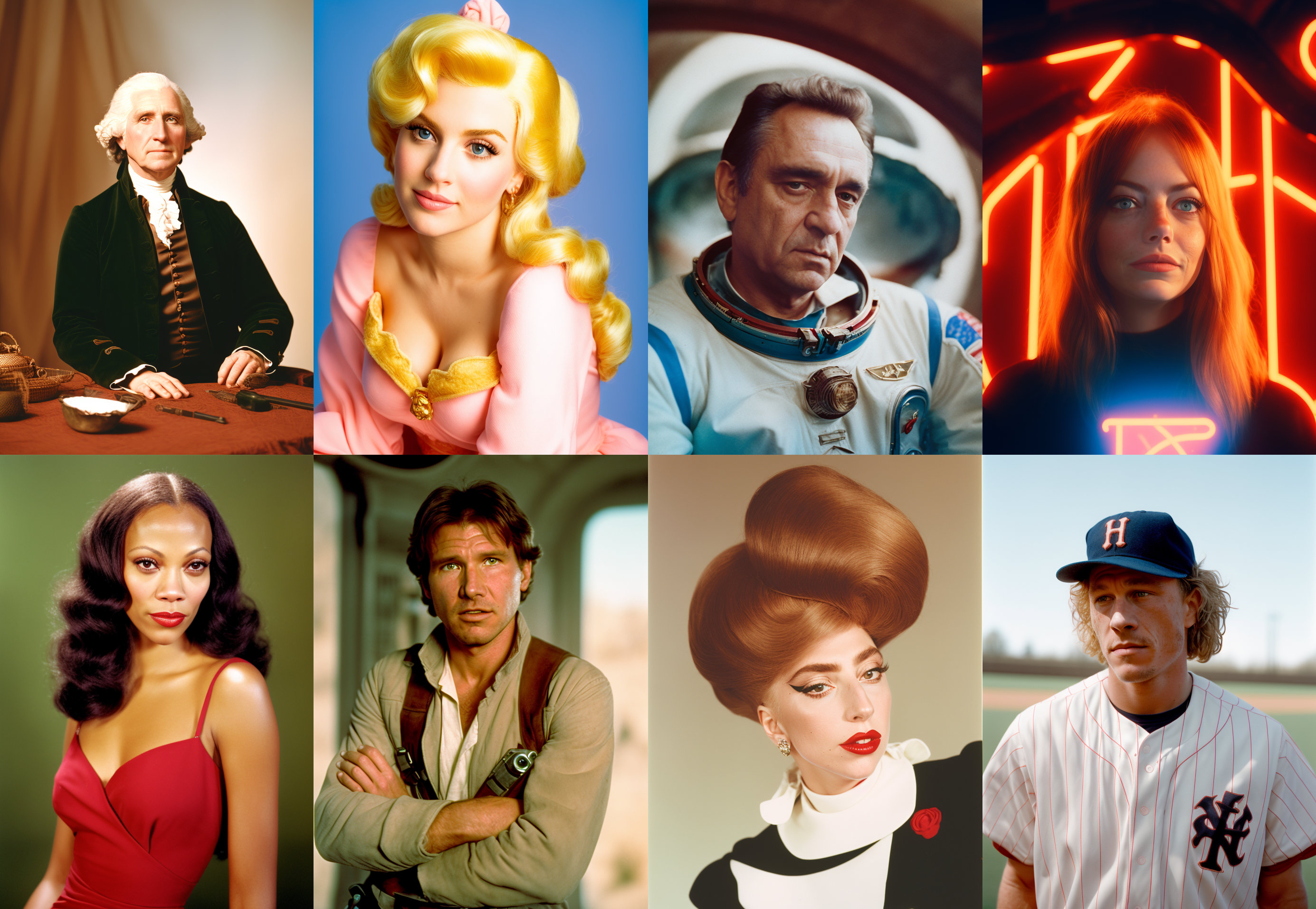 CKPT DOWNLOAD LINK - This is a dreambooth model trained on a diverse set of analog photographs.
In your prompt, use the activation token: analog style
You may need to use the words blur haze naked in your negative prompts. My dataset did not include any NSFW material but the model seems to be pretty horny. Note that using blur and haze in your negative prompt can give a sharper image but also a less pronounced analog film effect.
Trained from 1.5 with VAE.
Gradio
We support a Gradio Web UI to run Analog-Diffusion:
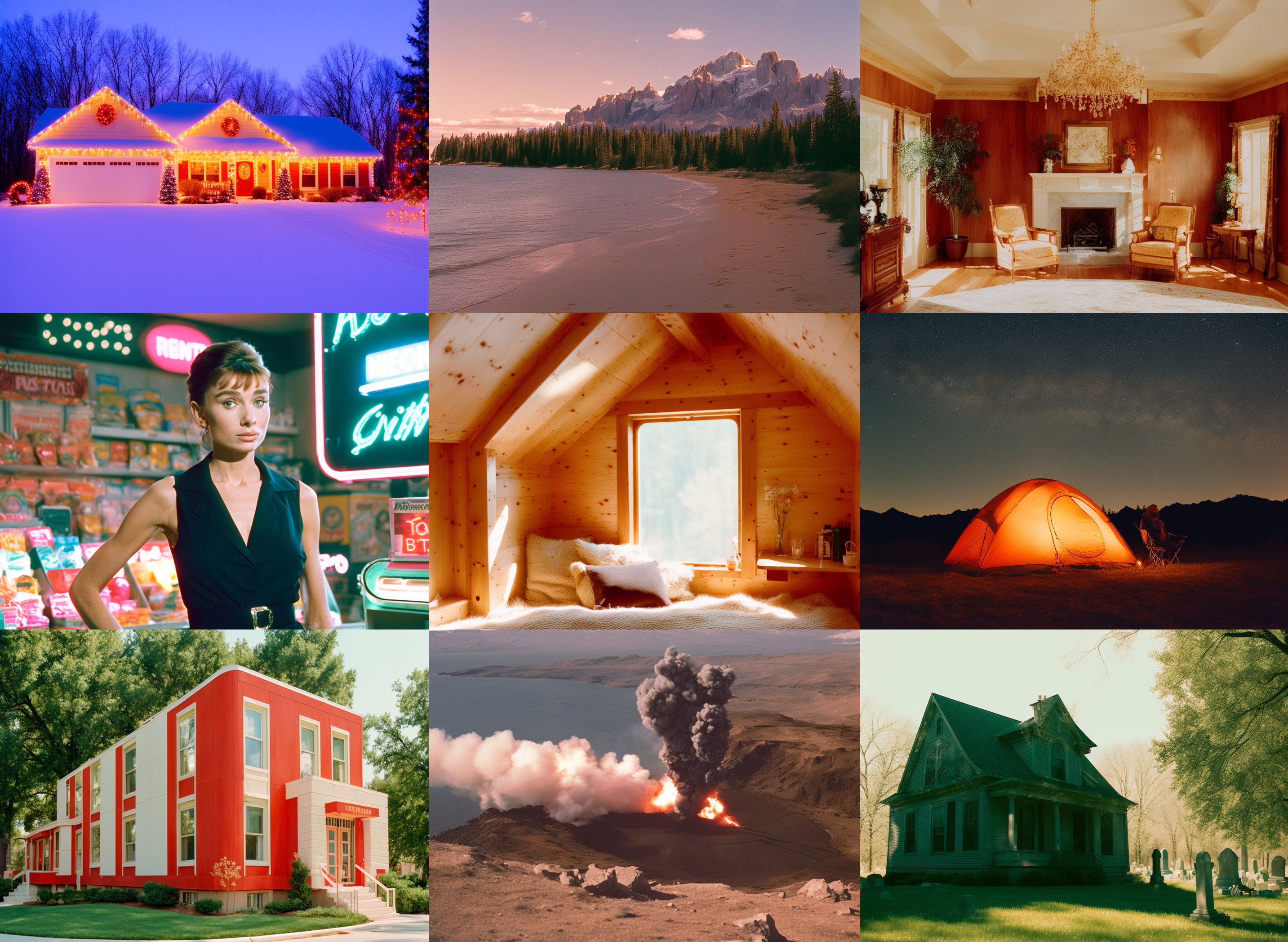
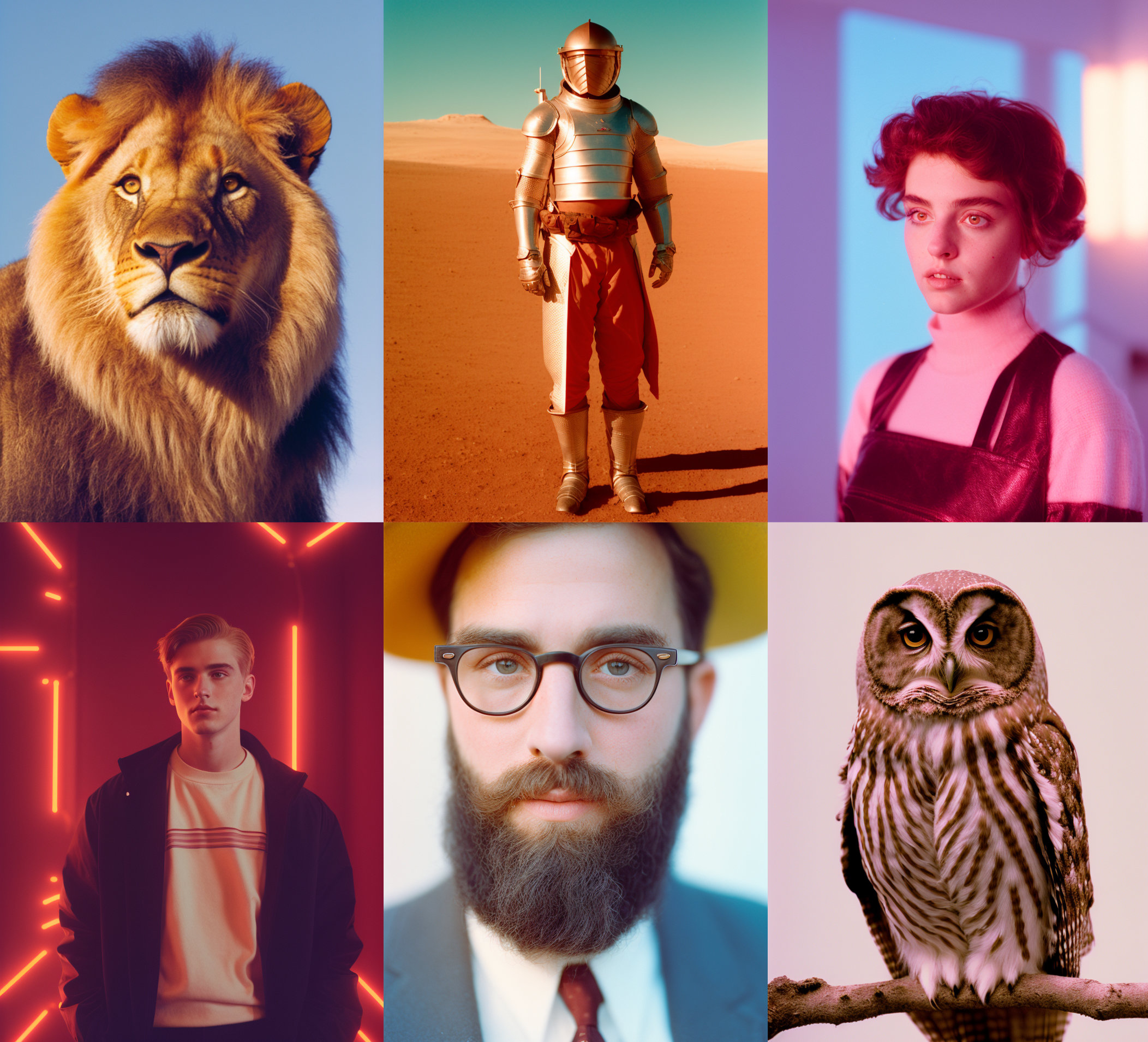
Here's a link to non-cherrypicked batches.
- Downloads last month
- 329