

Dilorenzo
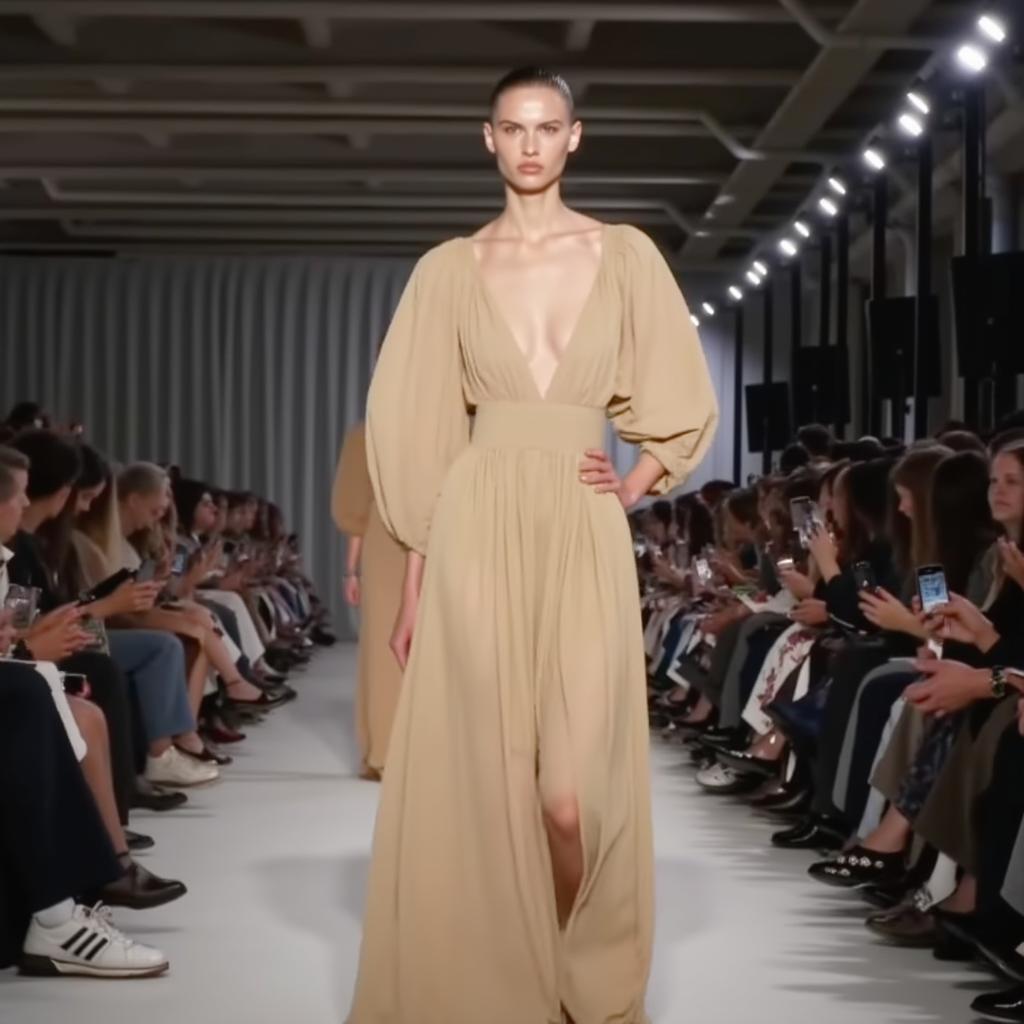
- Prompt
- dilorenzo, A photo of a woman in a beige dress walking down a runway, with a crowd of people watching her. The woman is wearing a dress that is long and flowing, and she appears to be the center of attention. The crowd consists of people sitting and standing around the runway, with some of them holding cell phones. The overall atmosphere of the image is fashionable and lively.
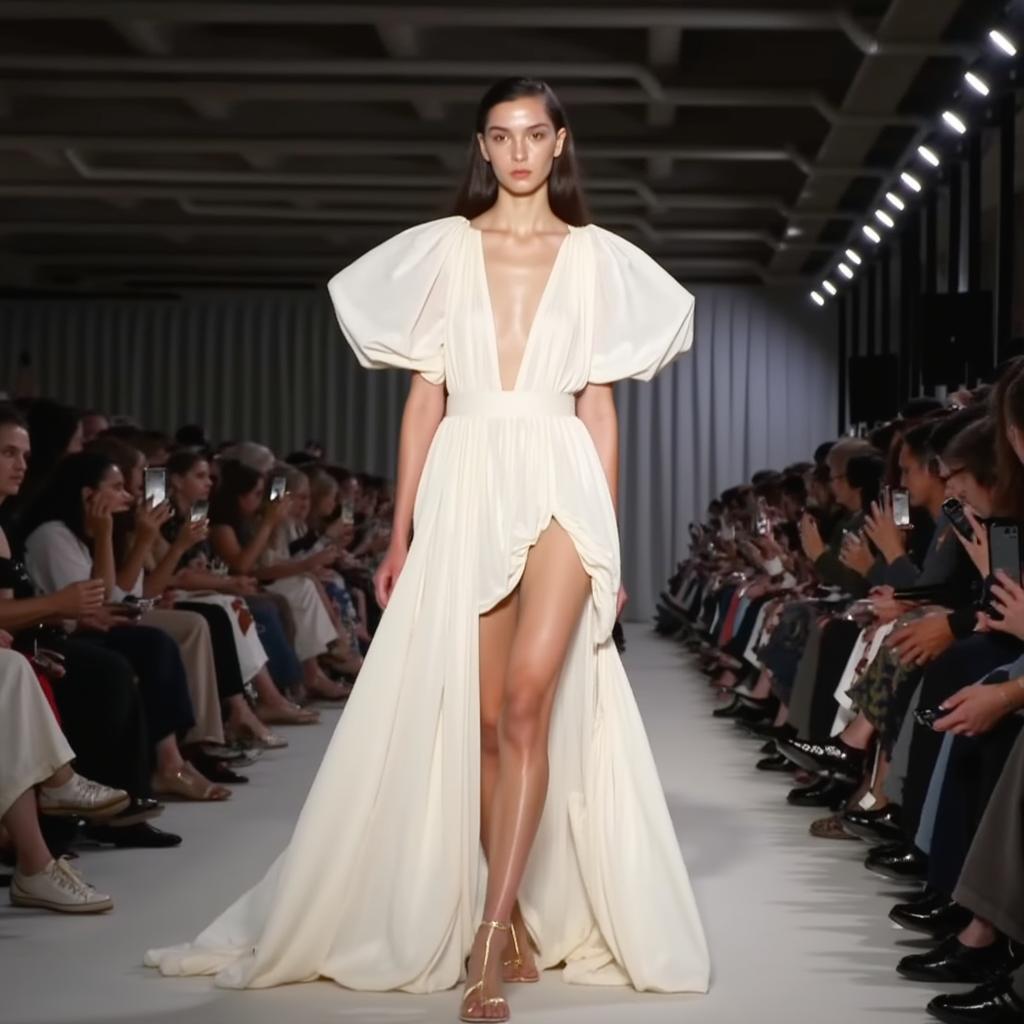
- Prompt
- dilorenzo, A photo of a woman in a white short dress walking down a runway, with a crowd of people watching her. The woman is wearing a dress that is long and flowing, and she appears to be the center of attention. The crowd consists of people sitting and standing around the runway, with some of them holding cell phones. The overall atmosphere of the image is fashionable and lively.
Trained on Replicate using:
https://replicate.com/ostris/flux-dev-lora-trainer/train
Trigger words
You should use dilorenzo to trigger the image generation.
Use it with the 🧨 diffusers library
from diffusers import AutoPipelineForText2Image
import torch

pipeline = AutoPipelineForText2Image.from_pretrained('black-forest-labs/FLUX.1-dev', torch_dtype=torch.float16).to('cuda')
pipeline.load_lora_weights('veravira/dilorenzo', weight_name='lora.safetensors')
image = pipeline('your prompt').images[0]
For more details, including weighting, merging and fusing LoRAs, check the documentation on loading LoRAs in diffusers
- Downloads last month
- 9
Model tree for veravira/dilorenzo
Base model
black-forest-labs/FLUX.1-dev