
Get it from vscode marketplace or open vsx
🦞 Lobster Console 🎮
A playful extension that provides an immersive 3D game environment where you control a lobster in an office lobby. Walk to different command counters and execute terminal commands by interacting with them!
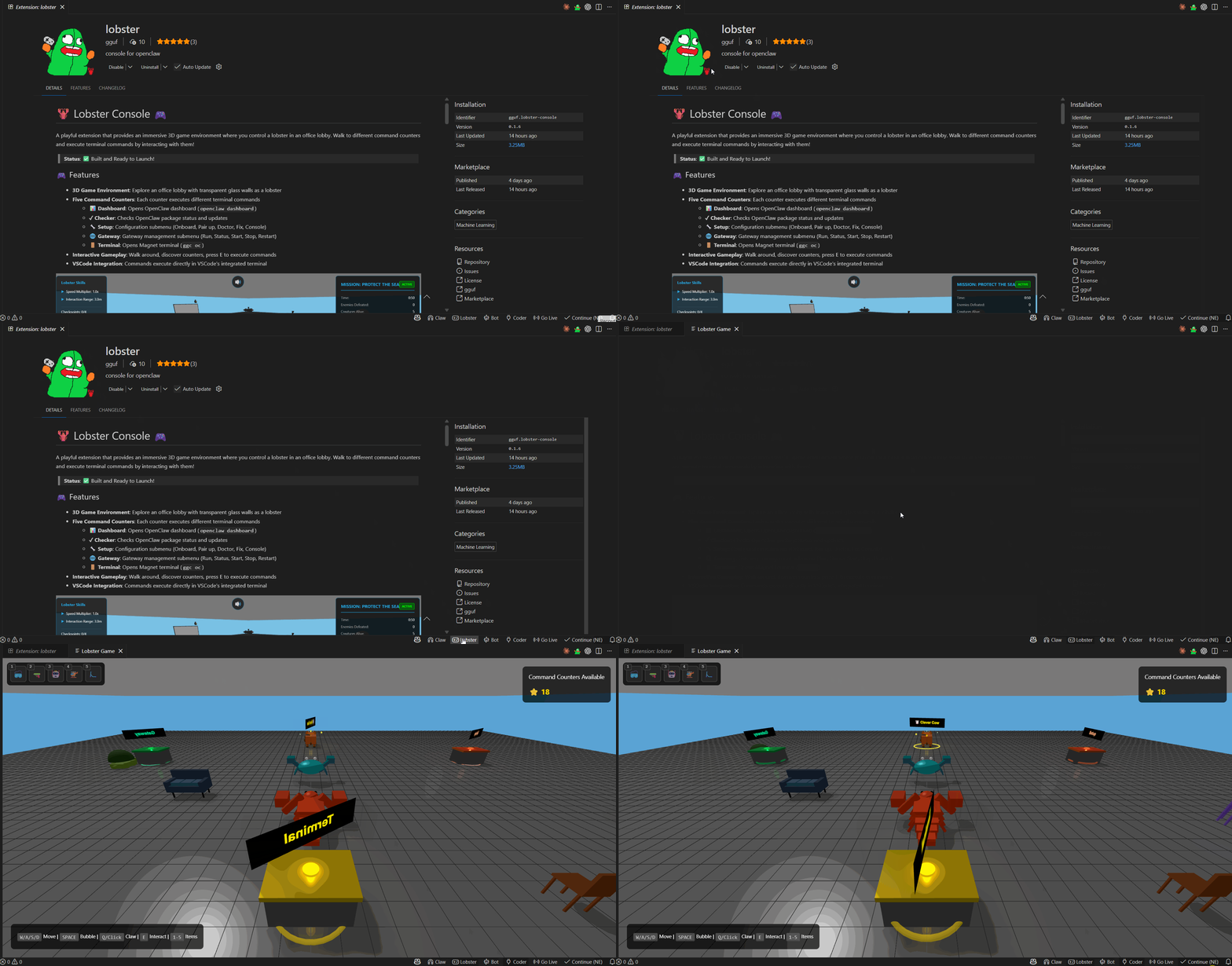
Status: ✅ Built and Ready to Launch!
🎮 Features
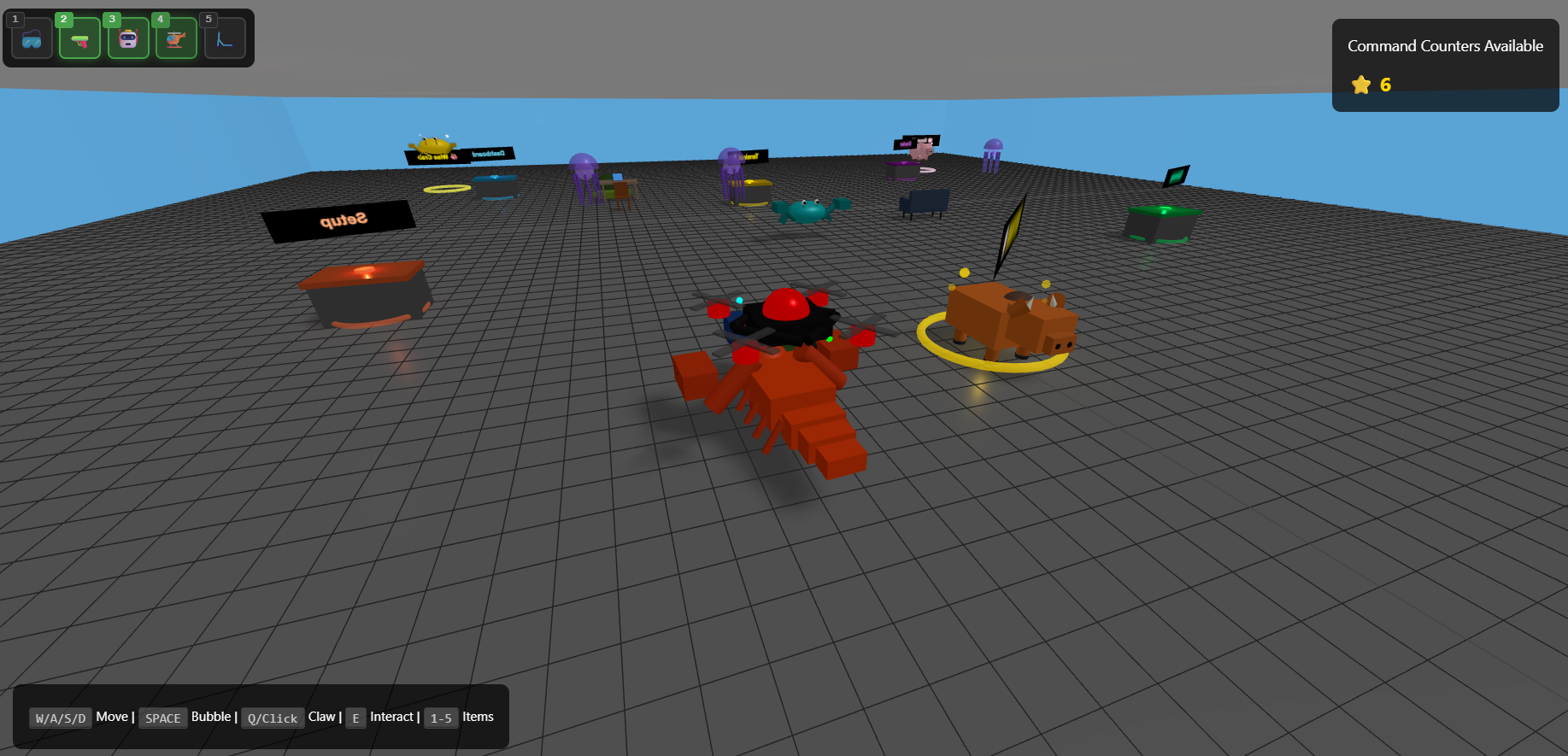
- 3D Game Environment: Explore an office lobby with transparent glass walls as a lobster
- Five Command Counters: Each counter executes different terminal commands
- 📊 Dashboard: Opens OpenClaw dashboard (
openclaw dashboard) - ✓ Checker: Checks OpenClaw package status and updates
- 🔧 Setup: Configuration submenu (Onboard, Pair up, Doctor, Fix, Console)
- 🌐 Gateway: Gateway management submenu (Run, Status, Start, Stop, Restart)
- 🚪 Terminal: Opens Magnet terminal (
ggc oc)
- 📊 Dashboard: Opens OpenClaw dashboard (
- Interactive Gameplay: Walk around, discover counters, press E to execute commands
- VSCode Integration: Commands execute directly in VSCode's integrated terminal
🚀 Quick Start
- just click the
🎮Lobstericon on your bottom status bar, play it!
🎯 How to Use
- Launch: Press F5 to open Extension Development Host
- Open Game: Click the 🦞 Lobster icon in the status bar (bottom right)
- Move: Use WASD or arrow keys to walk around
- Camera: Drag mouse to rotate, scroll to zoom
- Interact: Walk near a counter and press E
- Execute: Select a command from the dialogue menu
- Watch: The command runs in the VSCode terminal!
🎨 Command Counters Layout
           Z (North)
              ▲
              │
       Setup  │  🌐 Gateway
  (Orange)    │   (Green)
              │
    ──────── 🚪 ────────► X (East)
          Terminal
          (Gold)
              │
     Dashboard│  ✓ Checker
    (Blue)    │  (Purple)
              │
🕹️ Controls
| Key | Action |
|---|---|
| W / ↑ | Move forward |
| S / ↓ | Move backward |
| A / ← | Turn left |
| D / → | Turn right |
| E | Interact with counter |
| Mouse Drag | Rotate camera around lobster |
| Mouse Wheel | Zoom in/out |
📦 What's Inside
The extension replicates all functionality from the "claw" extension in 3D:
| Claw Menu | Lobster Counter | Command |
|---|---|---|
| Dashboard | Blue counter | openclaw dashboard |
| Checker | Purple counter | Package check logic |
| Setup → Onboard | Orange counter → Onboard | openclaw onboard |
| Setup → Doctor | Orange counter → Doctor | openclaw doctor |
| Setup → Fix | Orange counter → Fix | openclaw doctor --fix |
| Setup → Console | Orange counter → Console | openclaw tui |
| Setup → Pair up | Orange counter → Pair up | Pairing flow |
| Gateway → Run | Green counter → Run | openclaw gateway run |
| Gateway → Status | Green counter → Status | openclaw gateway status |
| Gateway → Start | Green counter → Start | openclaw gateway start |
| Gateway → Stop | Green counter → Stop | openclaw gateway stop |
| Gateway → Restart | Green counter → Restart | openclaw gateway restart |
| Terminal | Gold counter | ggc oc |
🔧 Requirements
- VSCode: 1.74.0 or higher
- Node.js: v16 or higher
- WSL: Required for Windows (Ubuntu distribution)
- OpenClaw: Optional (the extension helps you install it via Checker)
🐛 Troubleshooting
gguf-connectoris optional (for terminal counter, you need it)
Extension Doesn't Load
- Check Debug Console for errors
- Verify all files in
out/directory exist - Try reloading: Press Ctrl+R in Extension Development Host
Game Shows Black Screen
- Open DevTools: Help > Toggle Developer Tools
- Check Console for errors
- Verify WebGL support: https://get.webgl.org/
Lobster Won't Move
- Click inside the game canvas to focus it
- Check if keyboard events are captured (open DevTools Console)
Commands Don't Execute
- Windows: Ensure WSL is installed and Ubuntu is set up
- Check Terminal panel for new terminals
- Verify command paths in
commandExecutor.ts
📚 Documentation
- BUILD_FIX.md - How the build issue was fixed
- BUILD.md - Detailed build instructions
- LAUNCH.md - Launch guide and success checklist
- ARCHITECTURE.md - System architecture diagrams
- IMPLEMENTATION_SUMMARY.md - Complete implementation overview
🎯 Tips
- Find Counters: Look for colored glowing rings on the floor
- Counter Labels: Each counter has a label floating above it
- Interaction Prompt: "Press E to interact" appears when you're close enough
- Dialogue: Click options in the dialogue box to select commands
- Multiple Terminals: Each command can open its own terminal
🌟 Credits
- Three.js: 3D rendering engine
- VSCode API: Extension framework
- Claw Extension: Original command interface inspiration
📄 License
MIT
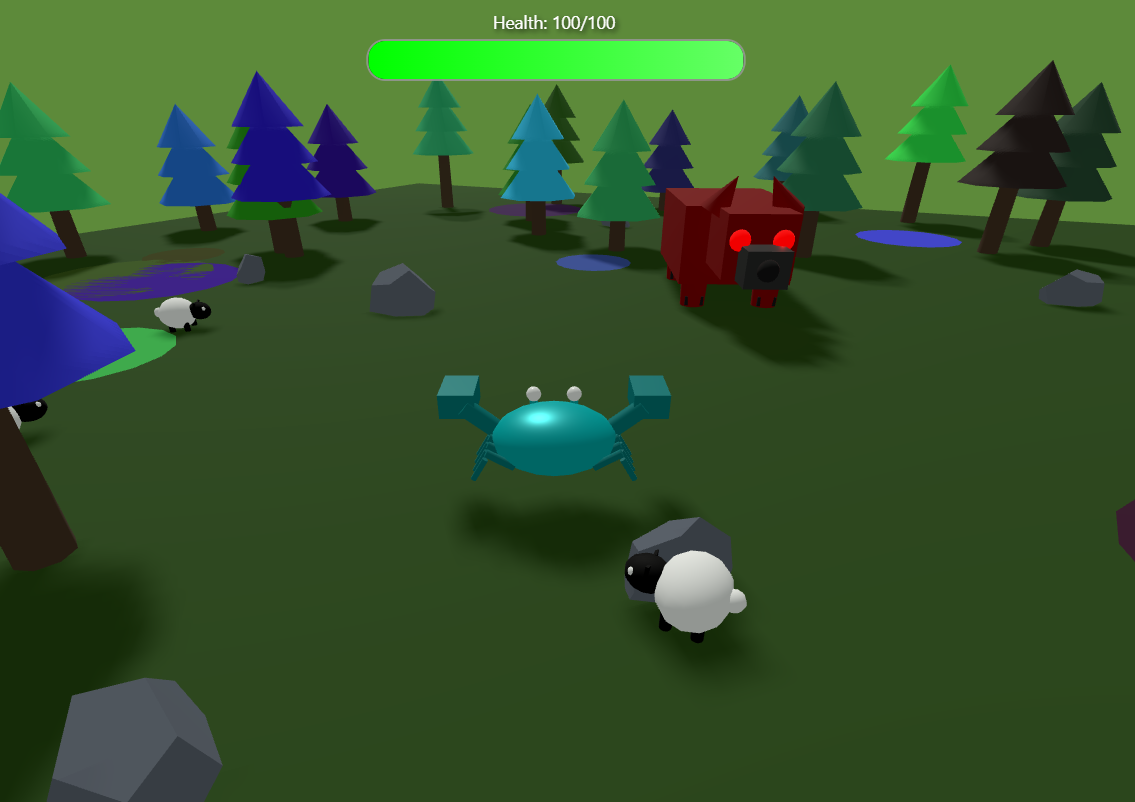
Ready to play? Press F5 and click the lobster icon! 🦞✨
Inference Providers NEW
This model isn't deployed by any Inference Provider. 🙋 Ask for provider support