Instructions to use AlessandroFerrante/StreetSignSenseY12n with libraries, inference providers, notebooks, and local apps. Follow these links to get started.
- Libraries
- ultralytics
How to use AlessandroFerrante/StreetSignSenseY12n with ultralytics:
from huggingface_hub import hf_hub_download from ultralytics import YOLO # pick the weights file from this repo's "Files and versions" tab weights = hf_hub_download("AlessandroFerrante/StreetSignSenseY12n", "<weights>.pt") model = YOLO(weights) source = 'http://images.cocodataset.org/val2017/000000039769.jpg' model.predict(source=source, save=True) - Notebooks
- Google Colab
- Kaggle
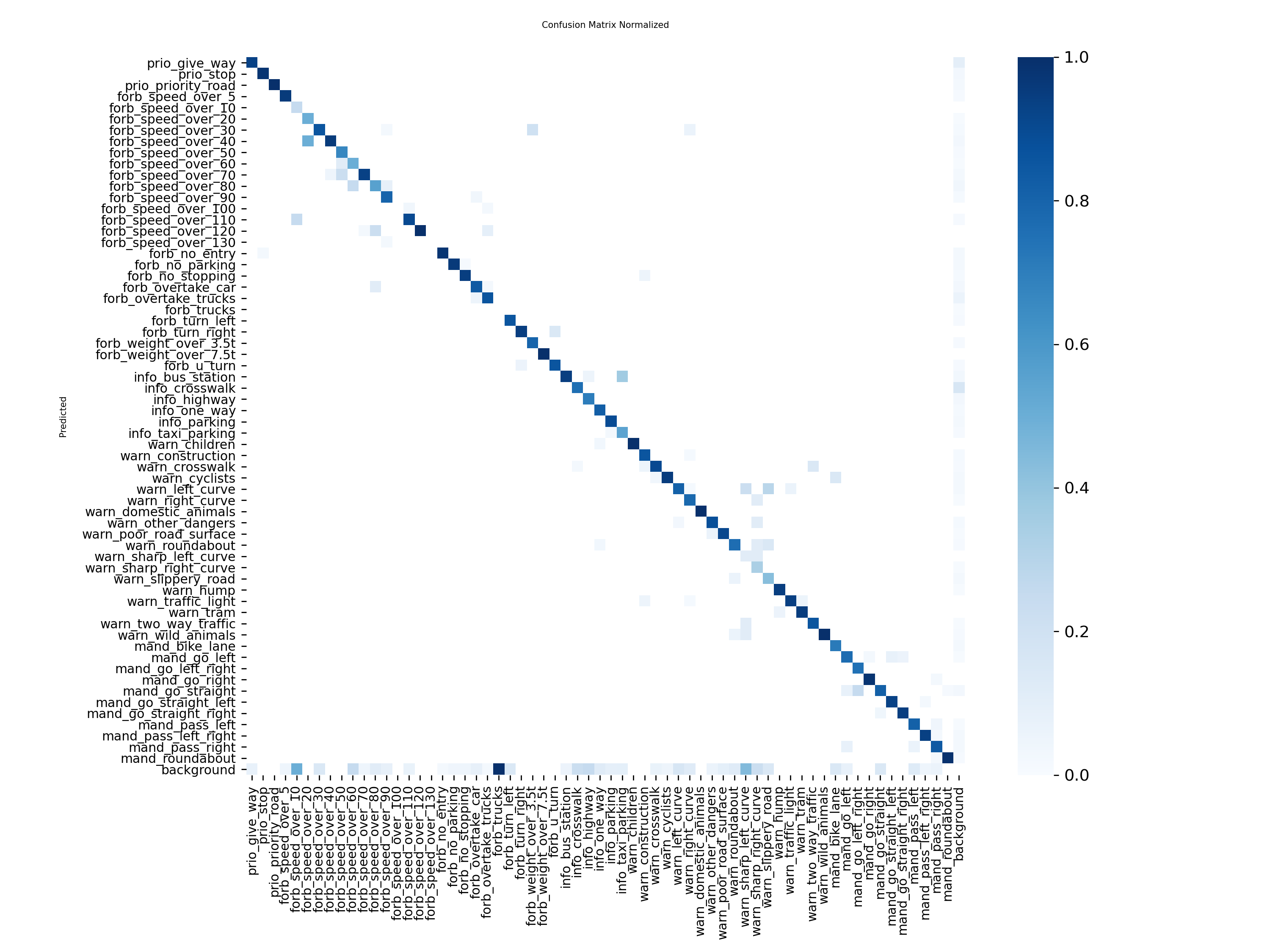
Download metrics/confusion_matrix_normalized.png from AlessandroFerrante/StreetSignSenseY12n: direct link, hf CLI and curl.
- Browser
- Download file 660 kB
-
https://huggingface.co/AlessandroFerrante/StreetSignSenseY12n/resolve/main/metrics/confusion_matrix_normalized.png
- Command line
-
hf download hf://AlessandroFerrante/StreetSignSenseY12n/metrics/confusion_matrix_normalized.png
-
curl -L -o confusion_matrix_normalized.png https://huggingface.co/AlessandroFerrante/StreetSignSenseY12n/resolve/main/metrics/confusion_matrix_normalized.png
660 kB

- Xet hash:
- a7c19cb57cb5b09245743009ab9090cf10dc4c2de6ac3b302cabf4e21a8e1e99
- Size of remote file:
- 660 kB
- SHA256:
- 5e3659d9679298ac4df1438393e606de75fa7bcc2a11387d90c4e1d105b82fd9
·
Xet efficiently stores Large Files inside Git, intelligently splitting files into unique chunks and accelerating uploads and downloads. More info.