Instructions to use AlessandroFerrante/StreetSignSenseY12n with libraries, inference providers, notebooks, and local apps. Follow these links to get started.
- Libraries
- ultralytics
How to use AlessandroFerrante/StreetSignSenseY12n with ultralytics:
from huggingface_hub import hf_hub_download from ultralytics import YOLO # pick the weights file from this repo's "Files and versions" tab weights = hf_hub_download("AlessandroFerrante/StreetSignSenseY12n", "<weights>.pt") model = YOLO(weights) source = 'http://images.cocodataset.org/val2017/000000039769.jpg' model.predict(source=source, save=True) - Notebooks
- Google Colab
- Kaggle
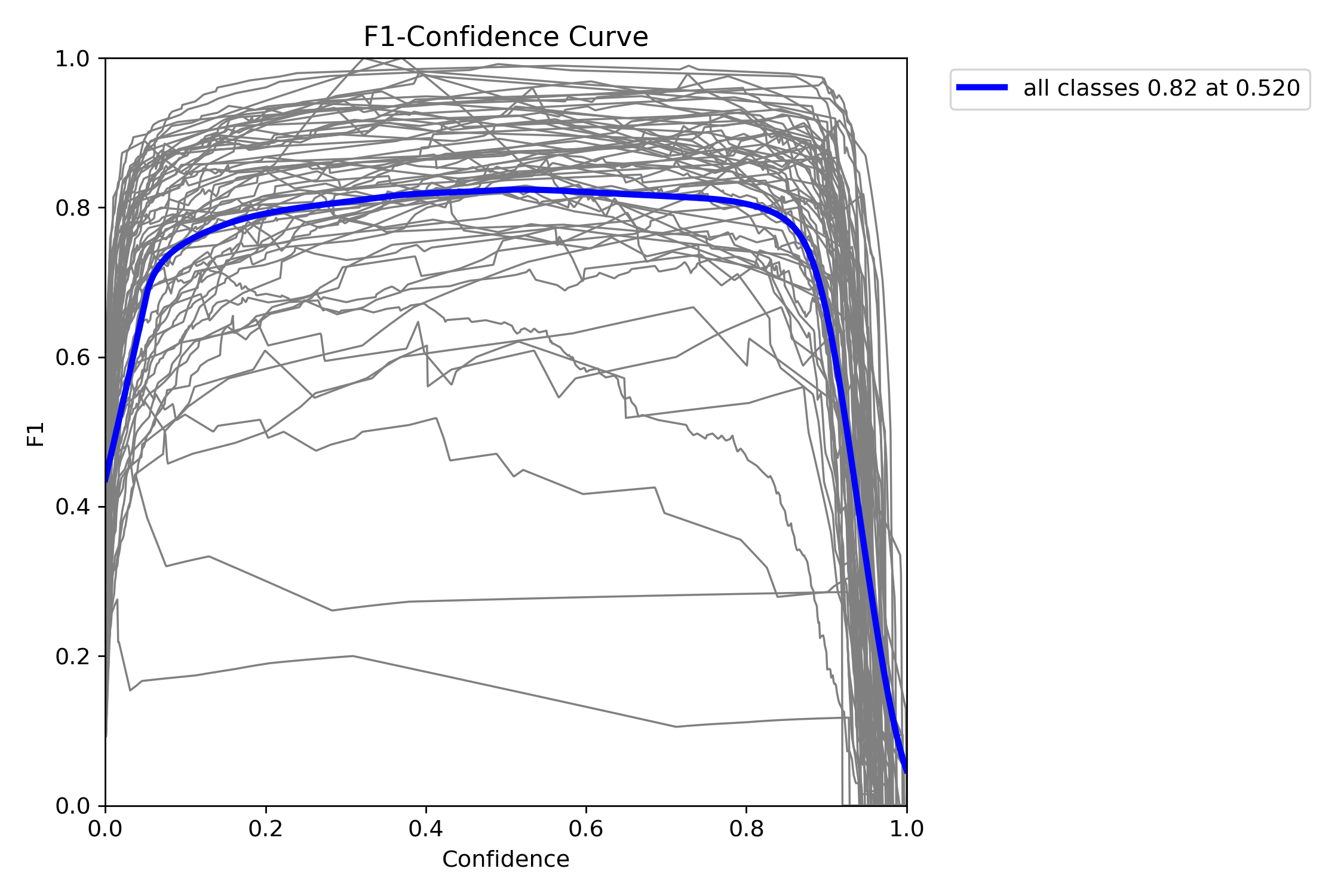
Download metrics/BoxF1_curve.png from AlessandroFerrante/StreetSignSenseY12n: direct link, hf CLI and curl.
- Browser
- Download file 599 kB
-
https://huggingface.co/AlessandroFerrante/StreetSignSenseY12n/resolve/main/metrics/BoxF1_curve.png
- Command line
-
hf download hf://AlessandroFerrante/StreetSignSenseY12n/metrics/BoxF1_curve.png
-
curl -L -o BoxF1_curve.png https://huggingface.co/AlessandroFerrante/StreetSignSenseY12n/resolve/main/metrics/BoxF1_curve.png
599 kB

- Xet hash:
- a72baff2e591a825412ef3ce43be2577d6db8e8c7d667780013c2a8bcdc35cbd
- Size of remote file:
- 599 kB
- SHA256:
- f6713e744493c7721ad3968aa72950abe65648d9bcb571118911abf0ef3d8ffe
·
Xet efficiently stores Large Files inside Git, intelligently splitting files into unique chunks and accelerating uploads and downloads. More info.